Contact Us
Get support and connect with our community
How to Contact Us
In order to contact us, you must create an account on our community forum. Please visit the forum, create an account, and verify it. After verification, you can use it to post your issue.
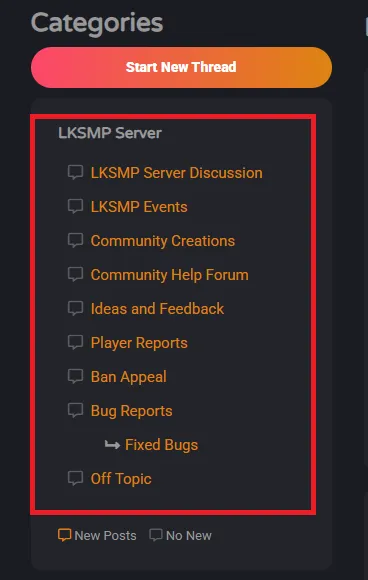
Please note that ban appeals must be posted under the 'Ban Appeal' category.
How to Post on the Forum
Create & Verify Account
Create an account on the forum and verify it via email.
Select Category
Select the correct category from the menu that your issue or discussion is related to.
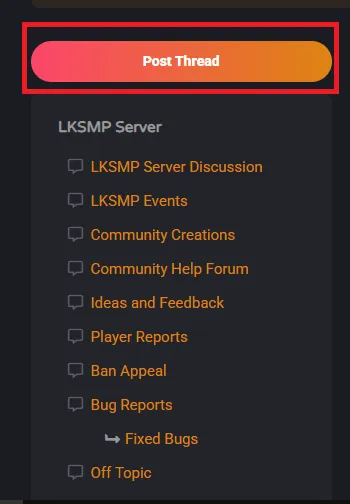
Create Your Post
Type the Thread Subject and Message. You can also upload attachments if needed.
Discord Users
Please note that we do not provide official support through the Discord server. It is only for community members to connect and discuss. You may receive help if other community members voluntarily assist you. If not, please use the community forum for support.
This step encourages users to engage on the forum and helps us manage inquiries more efficiently.
Why We Use the Forum Instead of Discord
Some of you may ask why we don't provide support through Discord. There are many benefits to using the forum:
- Enhanced searchability and retention
- Better organization
- Improved accessibility of solutions to common problems for everyone
- No need for a Discord account to access solutions for common problems
Using the forum ensures that solutions are easily accessible and helpful to the entire community.